
The addon manager
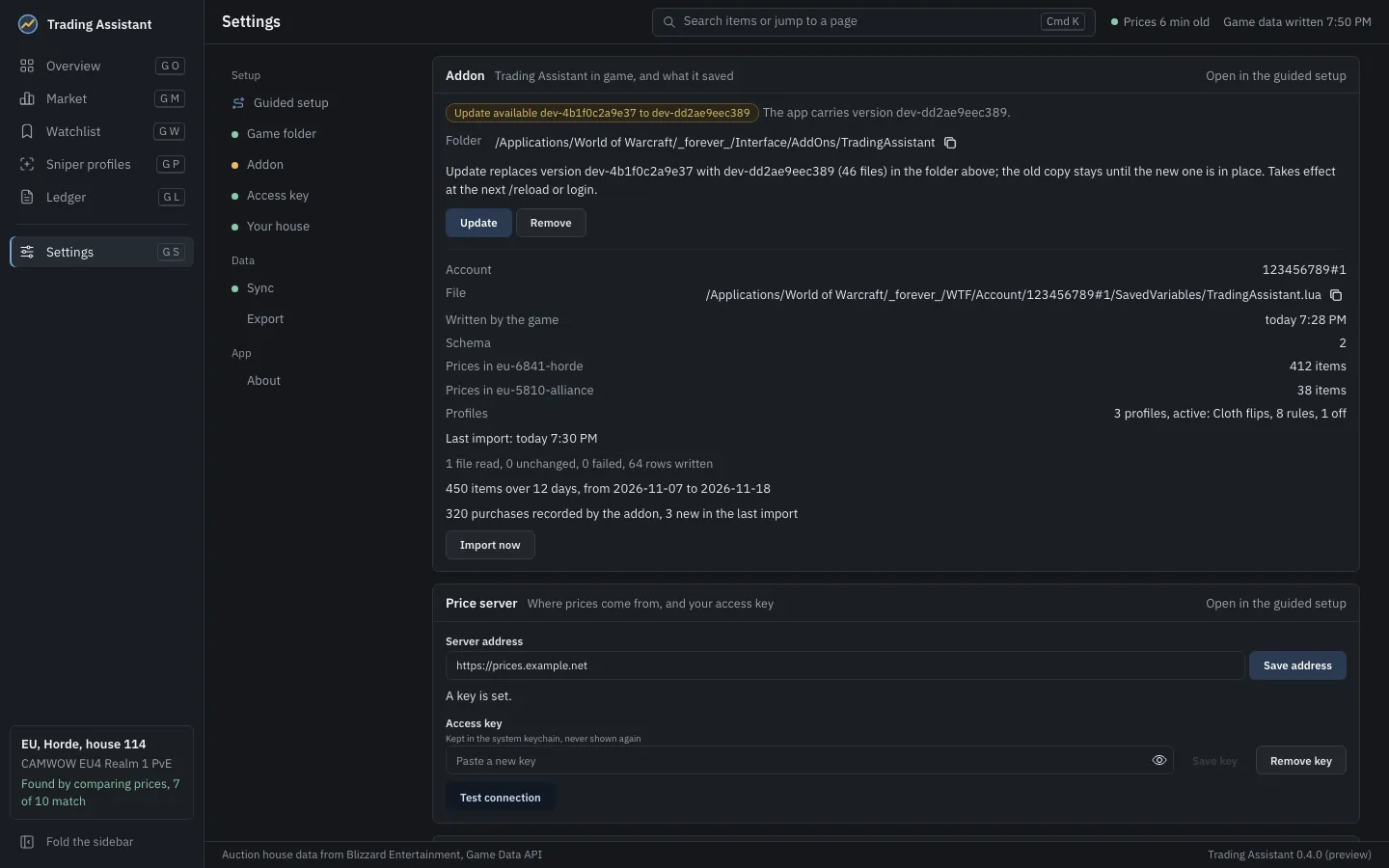
The app carries a copy of the addon, and Settings, Addon (also step 2 of the guided setup) installs it into the game. It shows the addon’s state, the one change that state calls for, and says what that change will do before you make it.
| State | What the app offers |
|---|---|
| Not installed | Install writes the addon’s files to Interface/AddOns/TradingAssistant. |
| Installed version | Reinstall writes the same version again; Remove. |
| Update available | Update replaces the installed version with the one the app carries; Remove. |
| Modified | Files changed since the app installed them are listed. Reinstall replaces them and keeps a copy of yours in the app’s data folder; Remove. |
| Linked (development) | The folder is a link to a copy kept elsewhere. The app leaves it alone. |
| Not managed by this app | Installed by hand or by another tool, a development copy, or something that is not a folder. The app only looks at it; remove it yourself to let the app install its own. |
- A change takes effect at the next
/reloador login, so the game may be running. - An update or a reinstall keeps the old copy until the new one is in place.
- Remove, and replacing files you changed, ask for a second click (Sure?).
- Remove deletes only the files the app installed; anything else in the folder stays. Your saved data is not in that folder and is not touched.
The app writes into the game folder in two places only: the addon’s folder, when you ask it to,
and the data addon Interface/AddOns/TradingAssistant_Data/ that it syncs (see
Sync and the data file). Everywhere else under the game folder it only reads.